QR PHOTO
Product UI / Kids Birthday
The product runs the ritual

One event.
Three product surfaces.

The guest sees one useful action. The organizer sees control and trust. After the event, the same photographs become a story.

BetaGuest loop + organizer reliability
00 / Product system

One architecture.
Event-specific atmosphere.

Typography, spacing, controls and states stay fixed. Theme tokens change canvas, accent, soft information surfaces and photo voice.

Theme tokens

80% neutral.
One accent at a time.

Ink
Canvas
Action
Information
Type hierarchy
Big type carries intent.
Photography carries emotion. Utility text stays quiet, direct and testable.
Meta / 11 px / +8% tracking
Action
Input
Mila turns six
Status
Private by default
Progress
01 / Guest camera

QR to camera.
Nothing in between.

Anonymous mobile web. No account, no app, no feed during the event. Progress returns after refresh.
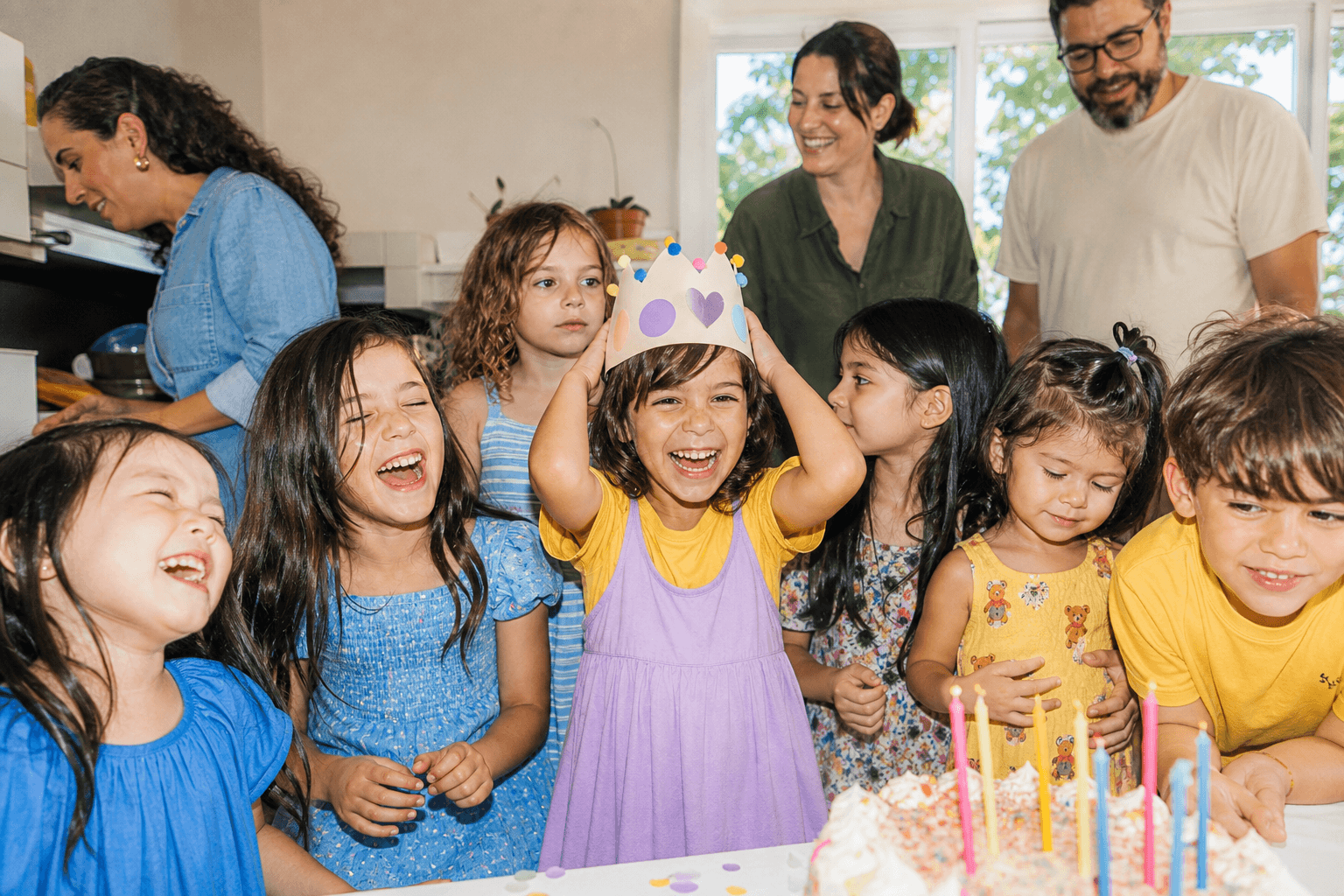
01 / Welcome
Kids birthday group
QR PhotoPrivate
Mila / 6 years

See the day from every height.

Five tiny photo missions. No account needed.

02 / Mission
Mission 03 / 05
03

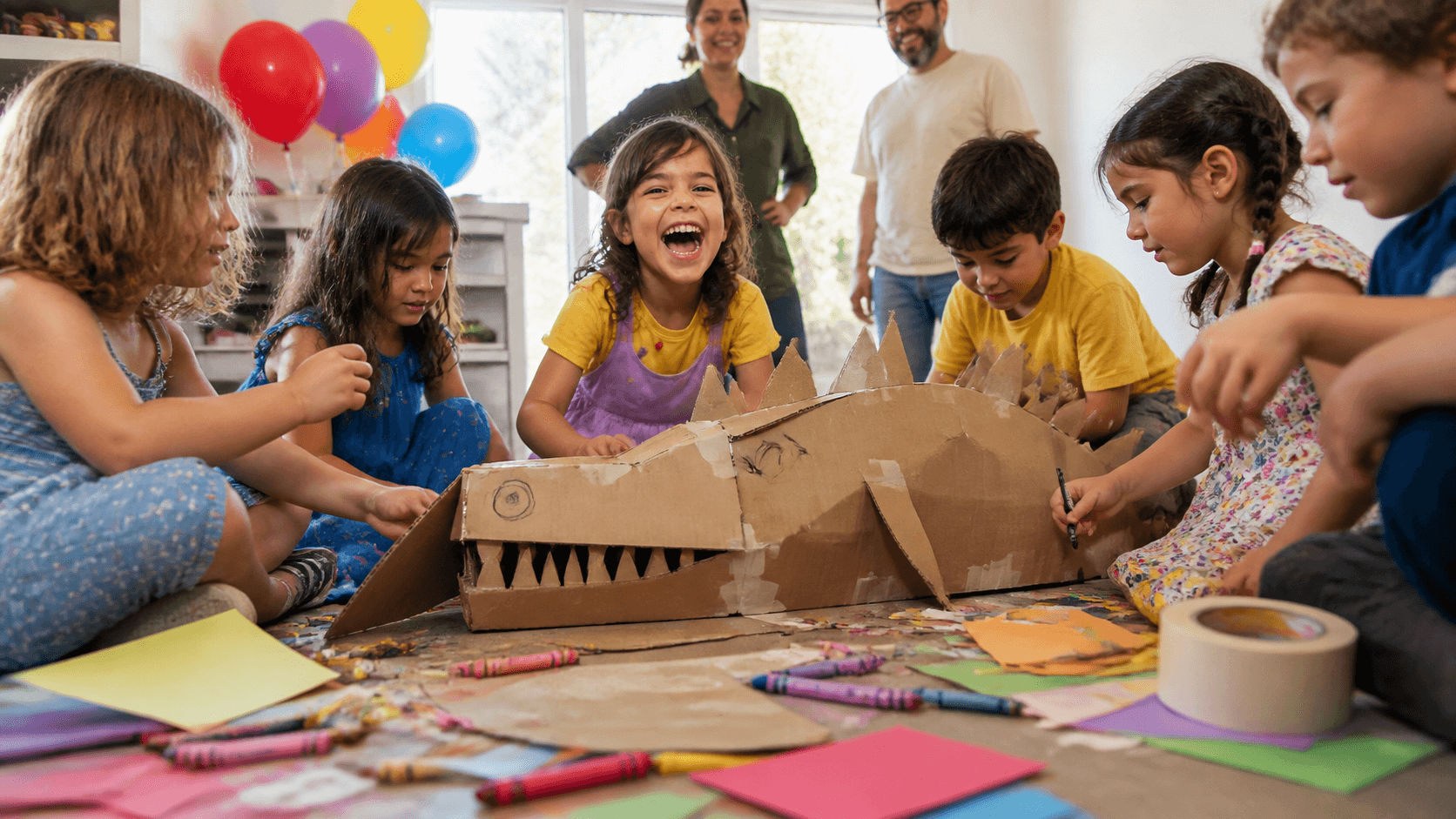
Catch a grown-up laughing on the floor.

Look past the cake. Find the person who forgot the camera was there.
07 min leftSkip →
03 / Camera
Children making a cardboard creature
Mission 03Flash auto
04 / Reliable upload
Saving mission 03
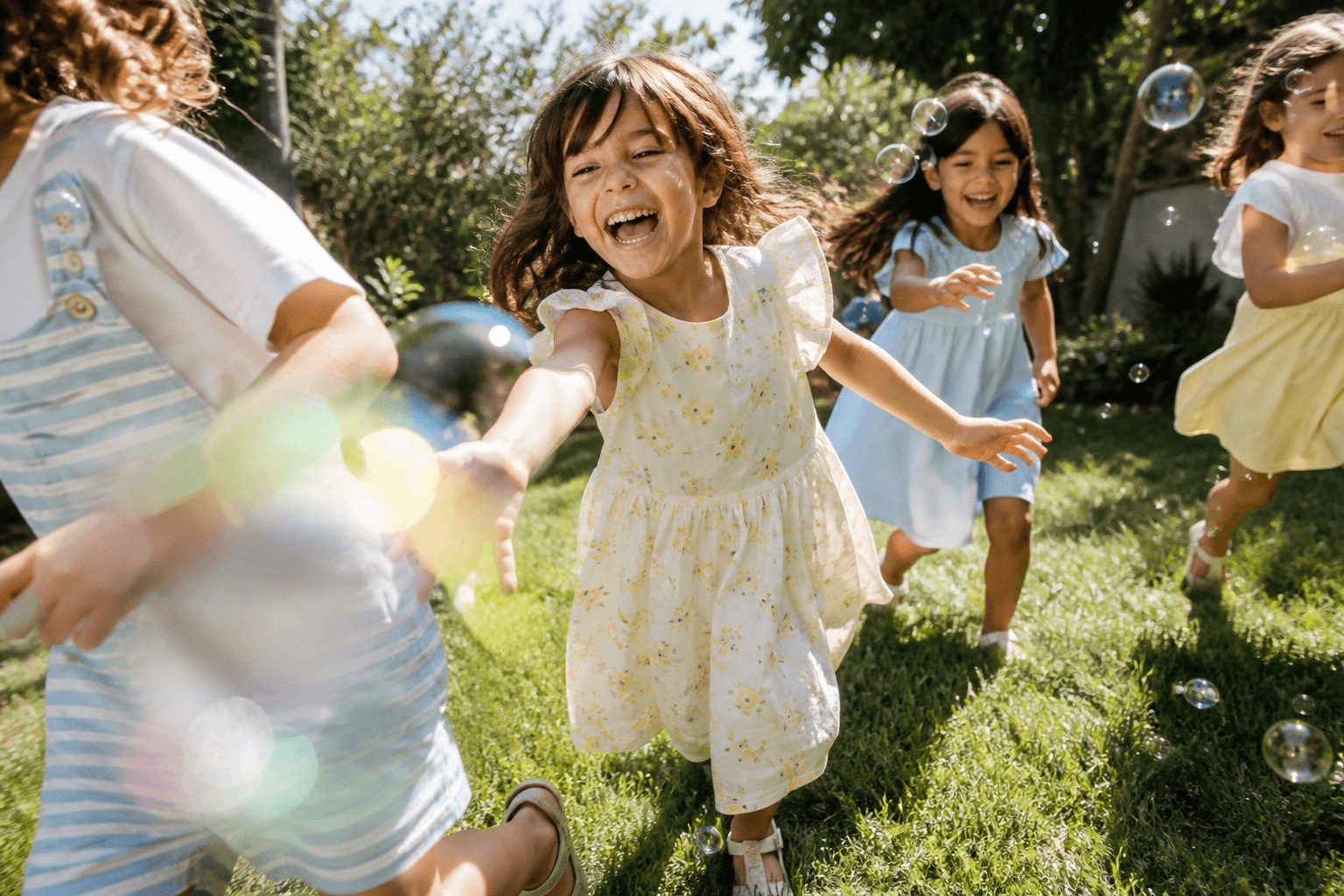
Child playing with bubbles

Keep this tab open.

If the connection drops, you can retry without choosing the photo again.

Uploading72%
05 / Failed + retry
Upload interrupted
!

Your photo is still here.

The connection dropped before confirmation. Retry without choosing it again.

No photo was counted as complete. The original remains on this device.
06 / Confirmed
Upload confirmed

One more piece saved.

The mission counts only after the photo is safely stored.

3 / 5
07 / Gallery hidden
Private reveal

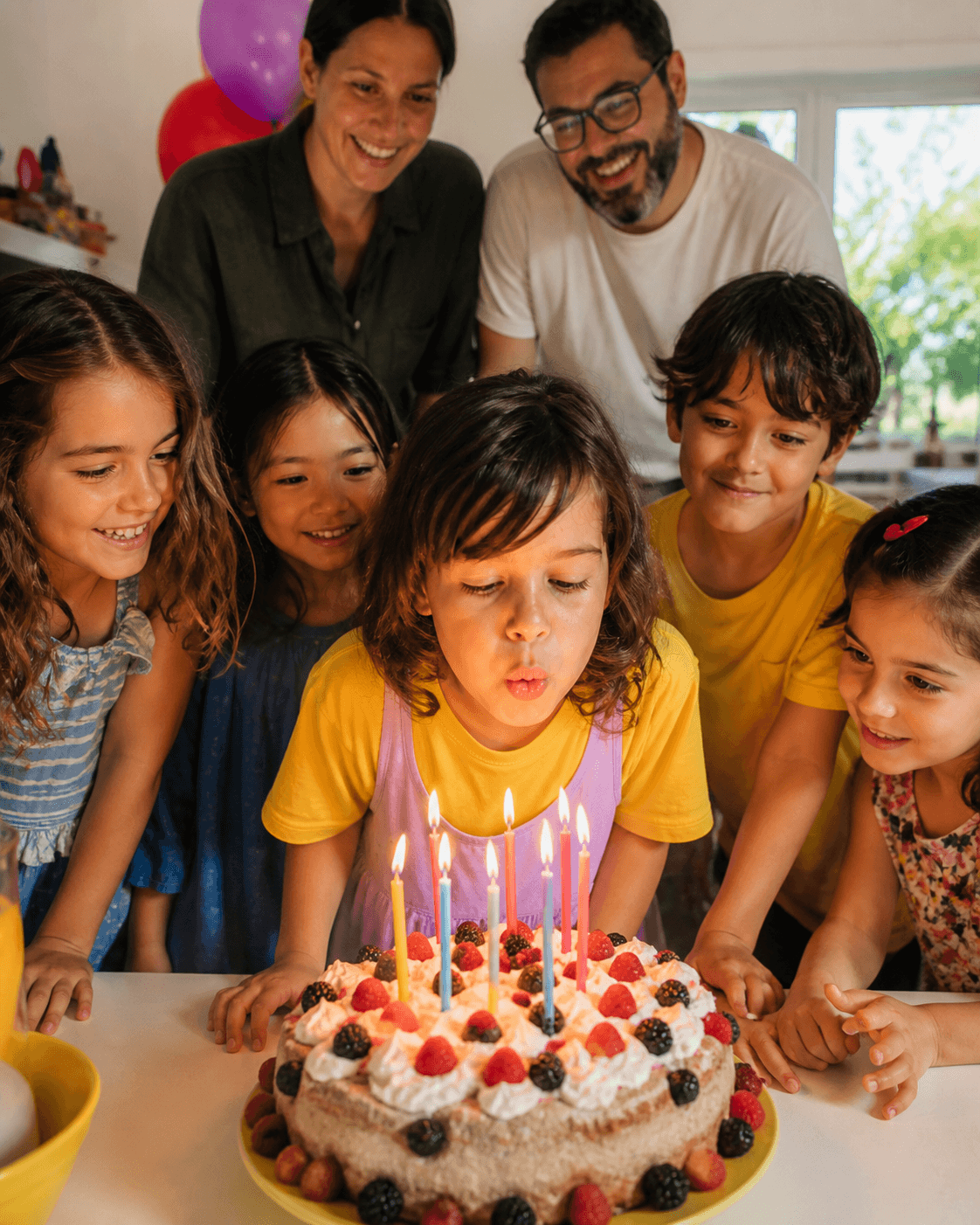
The album opens after the candles.

Keep taking photos. Mila's family will reveal the gallery when everyone is ready.
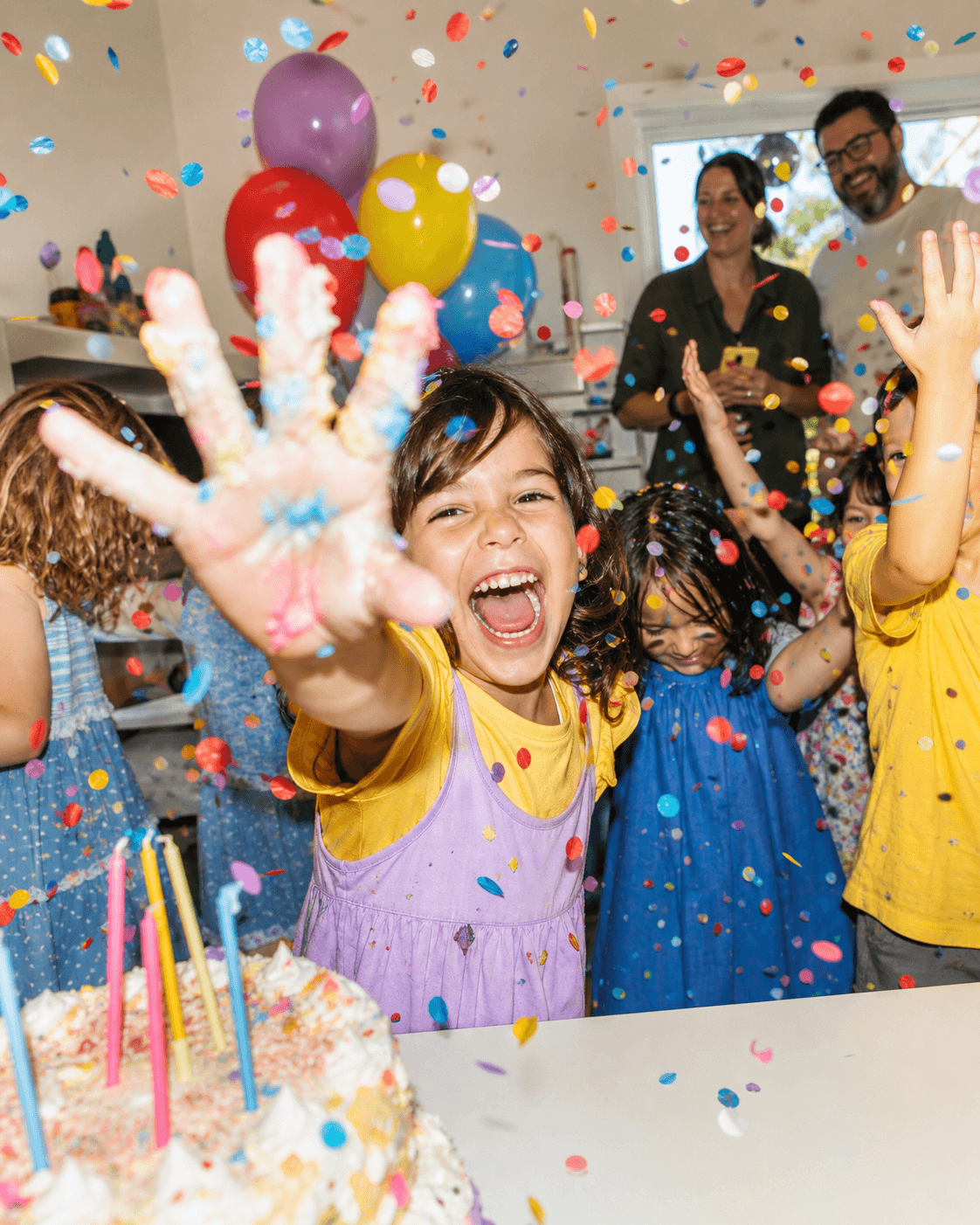
08 / Reveal
Album open / 16:17
01 / Event portfolio

Every event.
One calm place.

The organizer enters through status and next action, not through an empty generic dashboard.

Your events

What are we capturing next?

Draft, live and revealed events each show one clear next step.

Live now / Gallery hidden

Mila turns six

84 photos · 23 guest cameras · 98% upload health

Draft / 24 days

Lina & Mark

QR kit is ready. Event still needs activation.

Revealed / 2 weeks ago

Summer field trip

316 photos · downloads available

02 / Organizer setup

Create once.
Stay in control.

The organizer configures privacy and reveal before distributing the QR. Guest-facing choices stay out of this workspace.

New event / Step 01 of 02

Make the camera yours.

Everything guests need will fit behind one QR.

Immediate

Photos appear as guests upload.

Timed

Open at a chosen date and time.

Manual

You decide when everyone can see.

03 / QR kit

One entrance.
Made visible everywhere.

The QR uses an unguessable guest URL. A short fallback address protects the flow when a camera cannot scan.

Event ready

Put the camera in the room.

Download, print or copy the guest entrance.

qr.photo/mila6
Table card / A6

Scan. Take a mission. Add one piece.

Best for tables, gift area and cake station.

Poster / A3

Large-room entrance

High contrast and readable fallback URL.

Screen / 16:9

For venue displays

Use between program moments or during arrival.

03 / Organizer live

See coverage.
Protect the room.

A calm operational surface: participation, upload health, missing perspectives and a deliberate reveal.

Live / 14:12

The house got smaller.

Guests are adding photos. Gallery remains private.

Photos84+17 in the last hour
Guest cameras2318 active now
Missions done67%Across all cameras
Upload health98%2 retries recovered

Coverage by moment

Kids together
82
Family
61
Quiet details
29
Missing perspective

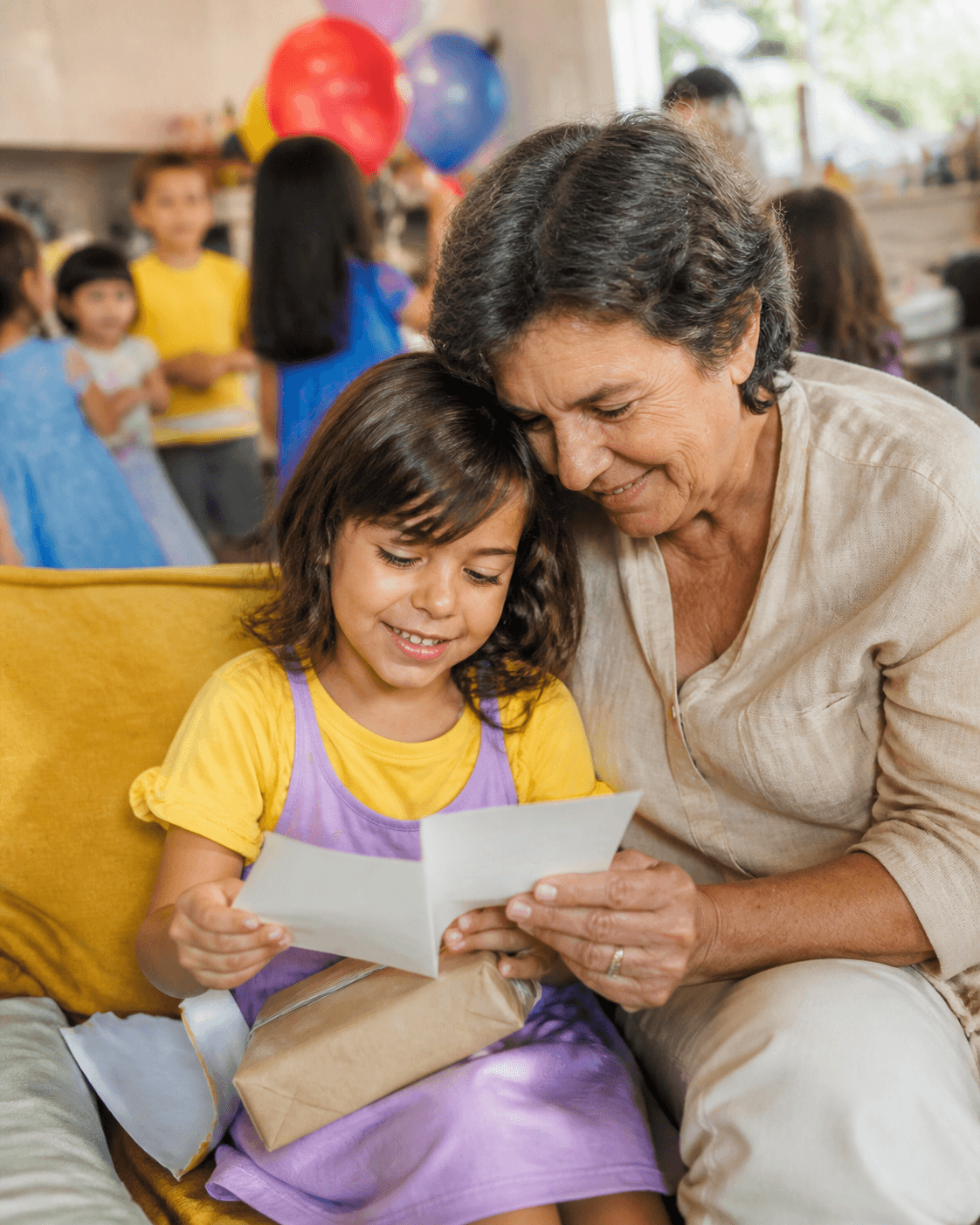
Invite three cameras to look for grandparents.

A lightweight nudge improves coverage without exposing anyone's photos.
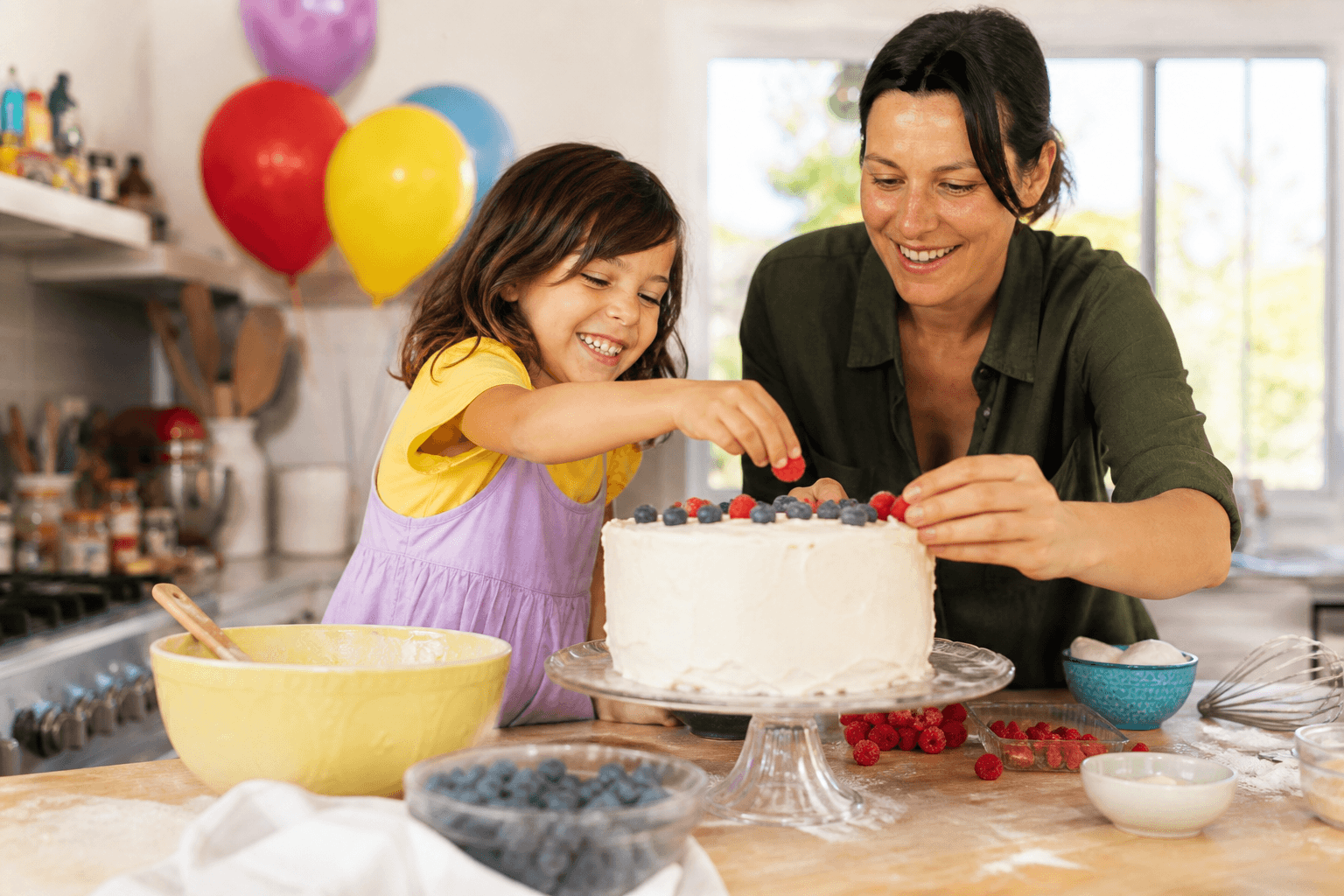
05 / Moderation + reveal

Choose what stays.
Then open the room.

Deletion is deliberate and recoverable in concept; reveal requires an explicit confirmation because it changes guest access.

All photos / 3 selected

Protect the final gallery.

Review questionable uploads without exposing them to guests.
3 photos selected

Selection does not affect guest access until an action is confirmed.

Ready to reveal

Open 82 photos to every guest?

Two hidden items stay private. The server becomes the source of truth for gallery access.

03 / After event

From uploads
to a remembered day.

A designed product direction, not a beta promise. It begins only after reliable collection, reveal and moderation are working.

Post-beta direction

Shape the day.

Shortlist the moments that carry the story, group them into chapters, publish a private digital album, then hand the same edit to print.

Birthday confetti
Chapter 04 / Make a wish

Six years old. Seen by everyone.

Digital stories inherit the event palette and photography, but use the same core interaction and privacy system.

84 moments · 23 cameras · Private link
Shortlist / 24 moments

Pick the photographs that carry the day.

Hide repeats, preserve multiple viewpoints and group the final sequence by time.

PrepGameCandlesGrandparentAfter party
Print handoff / Not beta

The same edit, made physical.

Print begins only after vendor, crop, pricing, shipping and export constraints are production-ready.

Book left pageBook right page
Selected24 photos
FormatSquare / pending
StatusConcept only